


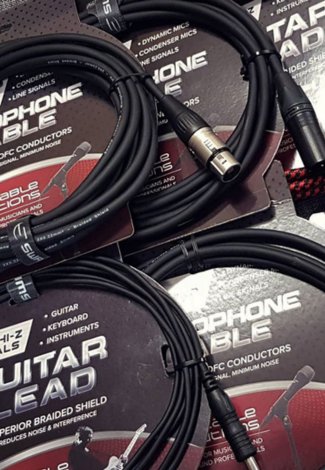

















USB cables carry digital data and power between a computer and devices such as audio interfaces, MIDI controllers and USB microphones, in USB 2.0 and 3.x versions.
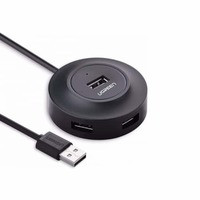
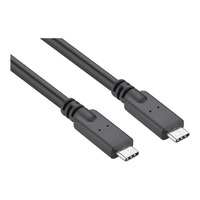
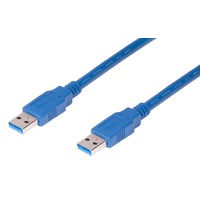
- By Length Group
- By Connectors
- By Channels
- By Product Type
-
By Stock
- In Stock (20)
- Phone Accessories (7)
- Phone Chargers (7)
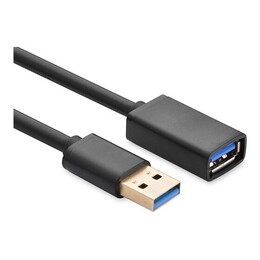
- Standard USB (20)
- USB Hubs (4)
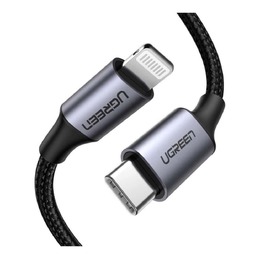
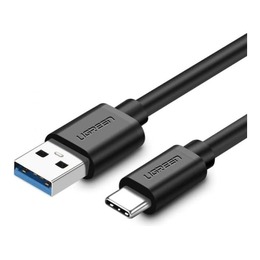
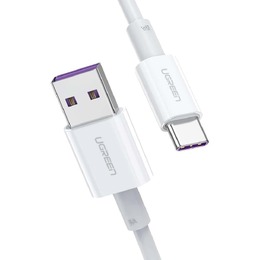
- USB-C Cables (11)
- CKMOVA (1)
- On-Stage (1)
- UGREEN (21)
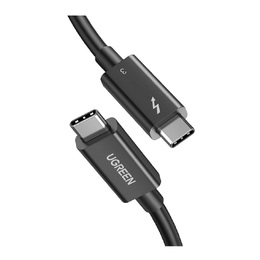
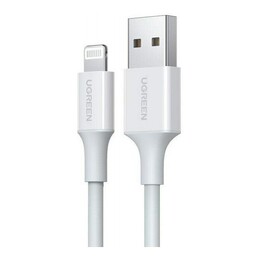
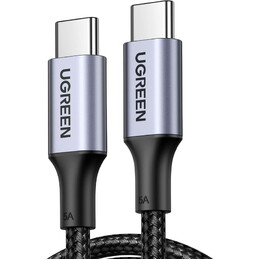
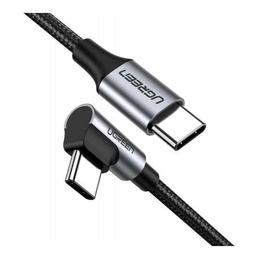
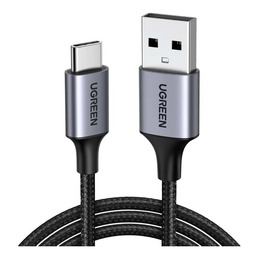
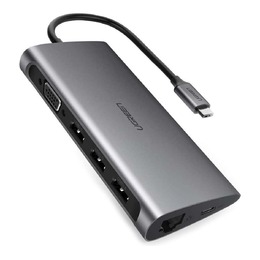
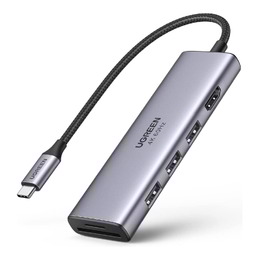
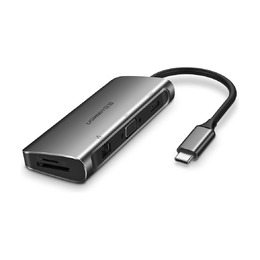
About USB Cables
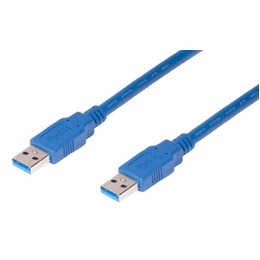
USB cables carry digital data and power between computers and devices, and in the studio they are the link between your computer and audio interfaces, MIDI controllers and USB microphones. The USB version sets the transfer speed: USB 2.0 handles up to 480Mbps, USB 3.0 lifts that to 5Gbps, and USB 3.1 reaches 10Gbps and introduced the reversible USB-C connector.
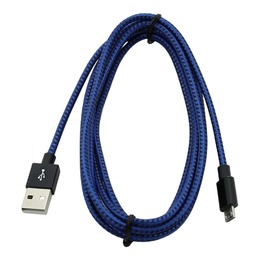
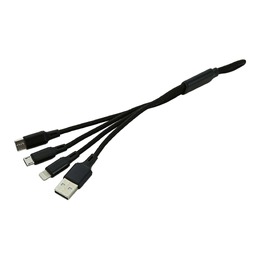
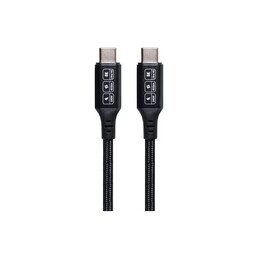
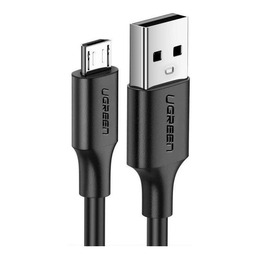
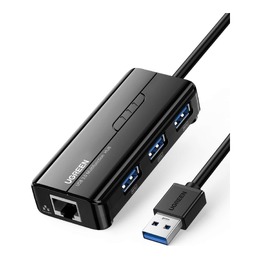
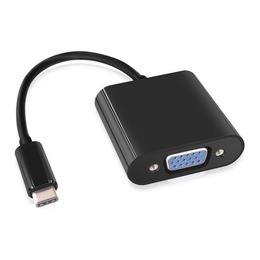
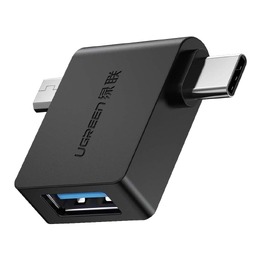
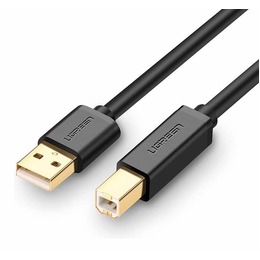
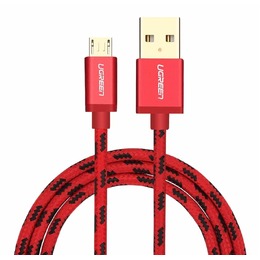
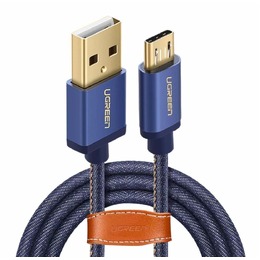
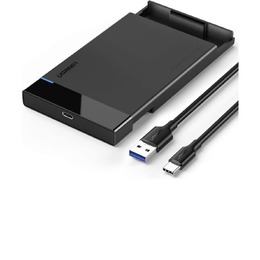
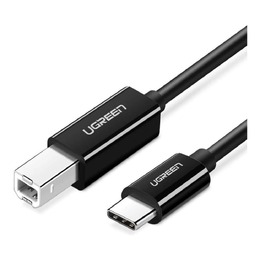
Browse the range by connector type. USB-C cables cover USB-C to USB-C and USB-C to USB-A leads for current laptops, phones and interfaces, while standard USB cables include the USB-A to USB-B leads used by many audio interfaces and printers, plus Mini and Micro USB types. Short on ports? Add a USB hub. If you are setting up a recording rig, see our USB audio interfaces, and grab MIDI cables for controllers and synths that predate USB.
USB Cable FAQs
Which USB cable does my audio interface need?
Most compact audio interfaces connect with a USB-A to USB-B cable, while newer models use USB-C. Check the socket on the back of your interface, then match the other end to the USB port on your computer.
What are the different USB cable types?
USB cable types are named by their connectors. USB-A is the familiar flat plug on computers and chargers, USB-B connects printers and many audio interfaces, Mini and Micro USB suit cameras, Bluetooth headphones and other compact gear, and the reversible USB-C is the current standard on newer laptops, phones and interfaces.
What is the difference between USB 2.0, 3.0 and 3.1?
The version sets the maximum data rate: USB 2.0 runs to 480Mbps, USB 3.0 to 5Gbps and USB 3.1 to 10Gbps. USB 2.0 bandwidth is still plenty for most audio recording, so an interface that uses USB 2.0 is not a bottleneck.