


























Live Sound Engineering Essentials
A live sound system, commonly referred to as a PA system (short for "Public Address"), serves to amplify sound for an audience. Historically, before microphones and amplifiers, people relied on naturally amplifying spaces like amphitheatres to project sound. Today, PA systems are essential for venues of all sizes, from small pubs to large stadiums. This lesson pulls together everything the course has covered so far and applies it on stage: choosing a system for the venue, monitoring and feedback control, mixer placement, and running signals between stage and desk.
Choosing the Right PA System
Solo Artists in Small Venues
For solo performers in intimate settings like cafes or small pubs, a single powered speaker often suffices. These all-in-one units combine a mixer, amplifier, and speaker, simplifying setup and reducing equipment needs; portable PA systems take the same idea further with battery power and built-in wireless. For instance, a guitarist/vocalist can connect directly to the speaker's built-in mixer. To ensure self-monitoring, adding a separate monitor speaker is advisable, allowing the performer to hear their output clearly without relying solely on the main speaker.
Larger Bands in Mid-Sized Venues
Bands with multiple members require more comprehensive systems to accommodate various instruments and vocals. A typical setup includes:
- Front-of-House (FOH) Speakers: A stereo pair of speakers positioned to project sound to the audience.
- Subwoofers: Enhance low-frequency sounds, providing depth to bass instruments and kick drums.
- Monitor Speakers: Placed on stage, these allow musicians to hear a tailored mix of their performance, essential for staying in time and in tune.
This configuration ensures balanced sound distribution, catering to both audience enjoyment and performers' monitoring needs.
Large Events or Concerts
For expansive venues or outdoor concerts, the PA system must deliver consistent sound across a wide area. Key components include:
- Multiple FOH Speakers: Additional speakers, such as out-fill and front-fill, address areas not covered by the main speakers, ensuring uniform sound coverage.
- Delay Speakers: Strategically placed further from the stage, these speakers synchronise with the main system to prevent audio delays, maintaining clarity for distant audience members.
- Advanced Mixing Consoles: Digital mixers offer precise control over complex setups, facilitating real-time adjustments and accommodating numerous input sources.
Implementing such systems requires careful planning and expertise to achieve optimal sound quality throughout the venue.
By aligning your PA system choice with the specific demands of your performance setting, you can ensure an engaging and high-quality auditory experience for both performers and audiences. For a worked example of matching powered speakers to venue size and role, see our Audiocenter powered speakers guide.
Monitors and Feedback Control
For performers, hearing themselves clearly is critical. Monitor speakers allow musicians to hear a custom mix, which might include only the instruments or vocals they need. For example:
- Solo Artists: A single monitor speaker helps avoid feedback since it can be positioned in front of the performer rather than behind, where the microphone might pick up sound from the FOH speakers.
- Bands: Drummers and bass players often prefer more bass in their monitor mix to clearly hear the rhythm section, while vocalists might need more vocals and keyboards.
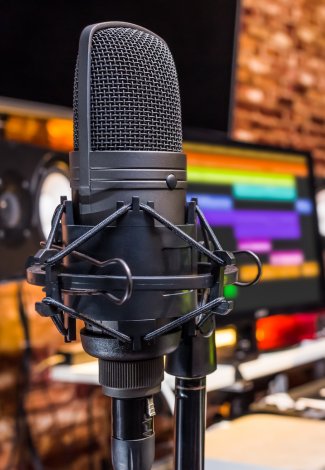
Feedback is caused when a microphone picks up sound from a speaker, creating a loop. To reduce feedback:
- Avoid pointing microphones directly at speakers.
- Use EQ to reduce frequencies prone to feedback.
- Position monitor speakers carefully, angled toward the performer and away from microphones.
The sensitivity to feedback and the specific frequencies where feedback occurs can vary depending on the venue's acoustics and the placement of speakers, requiring tailored adjustments for each setup.
Mixers and Placement
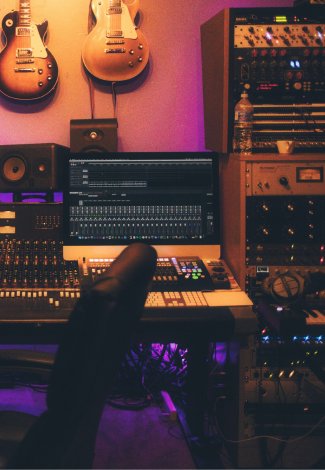
The mixer is the central hub of any live sound setup, responsible for managing audio signals, adjusting levels, and applying effects. The placement of the mixer can vary based on the size of the band, the venue, and the level of professionalism required.
On-Stage Mixer Placement
For smaller setups, such as a 5-piece rock band playing covers in a pub, the mixer is often placed on stage. This allows the band members to make adjustments themselves, saving costs by eliminating the need for a dedicated sound technician. However, there are significant downsides:
- Difficulty Monitoring FOH Sound: Adjusting the mix from the stage means performers cannot hear the changes as the audience does. To check the FOH (front-of-house) sound, a band member must walk in front of the PA system, which interrupts the performance and complicates precise adjustments.
- Limited Fine-Tuning: Subtle changes are harder to achieve without direct monitoring of the FOH sound, leading to a mix that might not translate well for the audience.
Front-of-House Mixer Placement
For professional setups or larger venues, the mixer is best placed at the front of house, away from the stage and within the audience area. This placement allows a dedicated sound technician to:
- Hear the FOH Mix Clearly: Positioning the mixer back from the stage and centred in the venue provides the most accurate perspective of what the audience hears.
- Make Real-Time Adjustments: Changes to levels, EQ, and effects can be made seamlessly without disrupting the performance.
However, FOH placement comes with its own challenges:
- Higher Costs: A dedicated sound technician is usually required, increasing the overall expense of the performance.
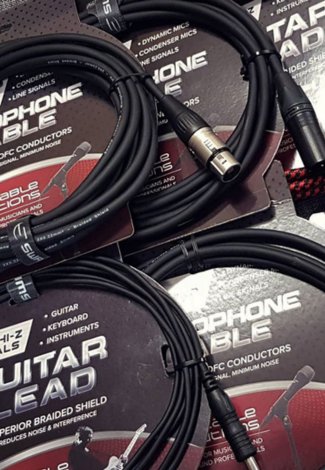
- Complex Signal Routing: Cables must run from the stage to the FOH mixer and back, requiring a stagebox or multicore cable. Cable trays are often necessary for safety and organisation when routing cables through audience areas.
Finding the Best Mixer Placement
While FOH placement is ideal for professional sound quality, on-stage mixing can work well for smaller, budget-conscious setups. Each approach has trade-offs, and the choice often depends on the event's scale, resources, and audience expectations. By carefully considering mixer placement, performers and engineers can ensure the best possible sound experience for both the audience and the performers.
Stageboxes and Signal Routing
To connect audio signals between the stage and the mixer, and back from the mixer to FOH (front-of-house) amplifiers and speakers, a stagebox is used. A stagebox is essentially a type of multicore cable (also called a "snake cable") that consolidates multiple audio channels into a single cable run for easier management.
How Stageboxes Work
A stagebox typically consists of multiple "microphone cable" channels bundled together. These channels can carry both mic level and line level signals:
- Mic Level Signals: Input channels from microphones or DI boxes are typically mic level.
- Line Level Signals: Output channels returning from the mixer to connect to FOH speakers or monitors are always line level, but they also use microphone cables as their medium.
Types of Stageboxes
-
Analogue Stageboxes:
- Built with traditional microphone cables, these are common for smaller setups.
- They can become bulky and heavy as the number of channels increases, especially for larger bands or venues.
-
Digital Stageboxes:
- Equipped with analogue-to-digital converters at each end of the cable run.
- Use lightweight Cat5 or Cat6 Ethernet cables to transmit digital signals, significantly reducing bulk and weight.
- Ideal for large venues or productions requiring long cable runs.
Additional Notes on Cable Types
While Cat5/6 cables are often associated with digital signals, they can also carry analogue signals. Ethernet cables feature 9 conductors, enabling them to carry up to 4 balanced audio signals (two conductors for + and - signals per channel, plus a shared ground conductor). This configuration is useful for smaller setups needing to run 4 or 8 channels efficiently.
Safety and Organisation with Cable Trays
Regardless of the type of stagebox or multicore cable used, running cables through audience areas requires careful consideration:
- Use cable trays or cable covers to protect cables from damage caused by foot traffic or rolling equipment.
- These covers ensure Occupational Health and Safety (OH&S) compliance by preventing patrons from tripping over exposed cables, while also protecting the integrity of the audio signals.
By carefully selecting and positioning stageboxes and organising cables properly, sound engineers can achieve efficient, clean, and safe setups for live performances.
Tips for Optimal Sound Coverage
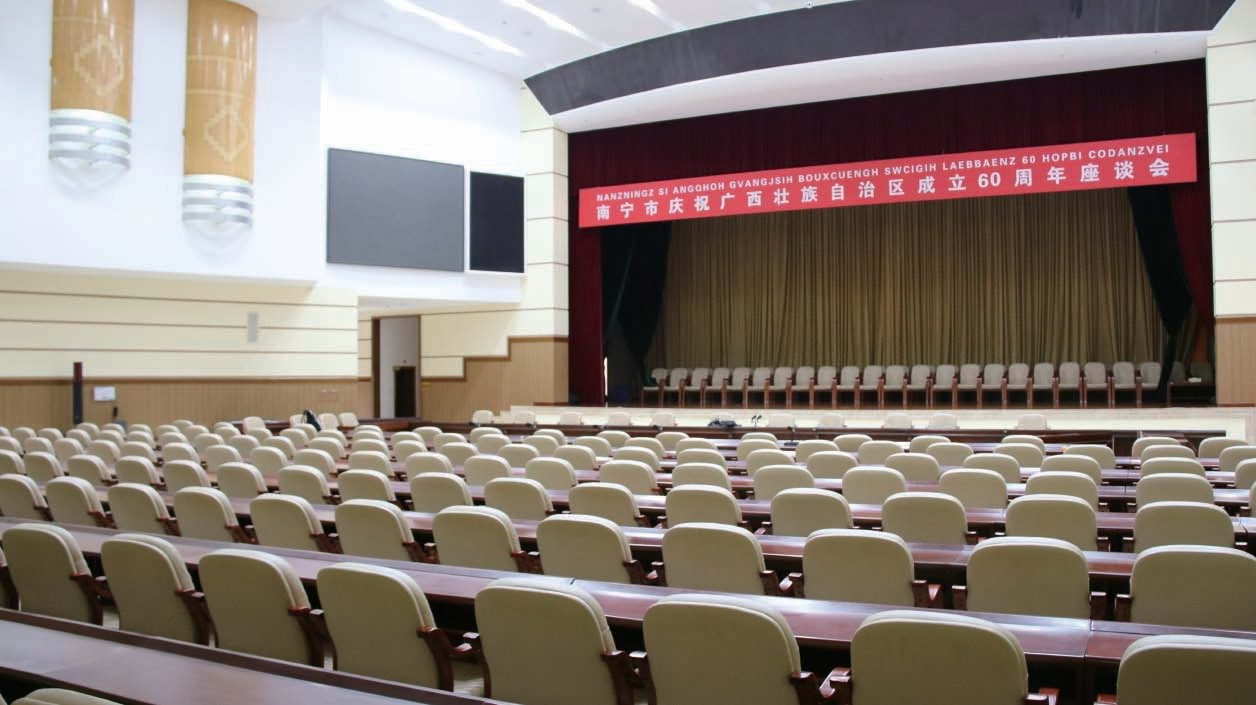
Large venues and events require careful planning to ensure consistent sound coverage for the audience. For instance:
- Mixer Placement: For optimal mixing, the mixer is usually positioned in the middle of the audience area, where the sound technician can hear the FOH (front of house) speakers clearly. This ensures the mix sounds great across most of the venue.
- Additional Speaker Placement: To address uneven sound coverage in large spaces, production teams often use additional speakers:
- Front-Fill Speakers: Placed at the front of the stage to ensure clear sound for patrons near the stage who might not benefit from the main FOH speakers.
- Out-Fill Speakers: Positioned to cover areas on the sides of the venue where the main PA system might not reach.
- Delay Speakers: Used in very large spaces, delay speakers are positioned further back in the venue and timed to align with the main speakers, ensuring that sound arrives at the audience’s ears simultaneously.
By implementing these techniques, professional sound engineers ensure that all attendees, regardless of their location in the venue, enjoy clear and balanced audio.
Summary
Mastering live sound engineering is essential for delivering professional-quality audio, whether you are performing in a small venue or managing sound for a large event. Understanding the components of a PA system, such as mixers, speakers, and monitors, allows for effective sound distribution tailored to the audience and performers. Proper microphone placement and feedback control ensure clarity while maintaining a balanced mix on stage and front-of-house. With careful planning, equipment maintenance, and an awareness of venue acoustics, live sound engineers can create seamless and memorable auditory experiences.
Continue the course
- Previous lesson: Basics of Mixing and Effects Processing
- Next lesson: Troubleshooting Audio Issues
- Course overview: Audio Production Course
Putting a rig together? The gear covered in this lesson is stocked at SWAMP: the full Live Sound range, plus Mixing Desks and Multicore Cables.
Applying the course on stage: PA selection, monitoring, feedback control, mixer placement and signal routing. Lesson 5 of the SWAMP audio production course.
This category is empty! Please try another category or use our search function to find what you are looking for. If you require further assistance please contact us.