


















A USB hub, sometimes called a USB splitter, lets one port on a computer be shared by several devices at once, such as MIDI controllers, software dongles and external drives.
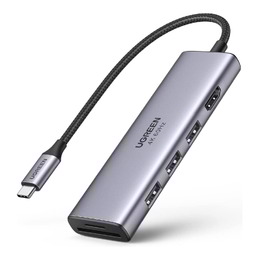
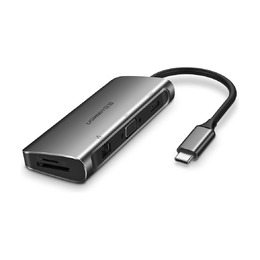
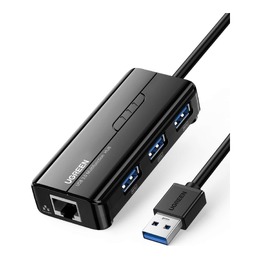
About USB Hubs
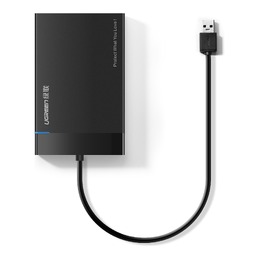
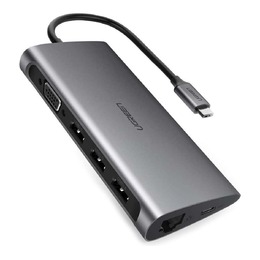
A USB hub, sometimes called a USB splitter, lets a single USB port on a computer or laptop be shared by multiple devices. In a studio the port count adds up quickly: a mouse and keyboard, MIDI controllers, software dongles and external drives all compete for connections, and a hub keeps them all online at once. USB 2.0 and USB 3.0 devices use the same size plug and are interchangeable, while the newer Type-C standard uses its own plug type.
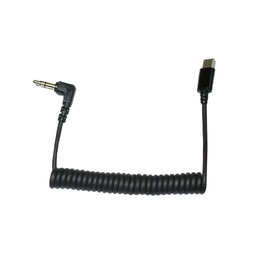
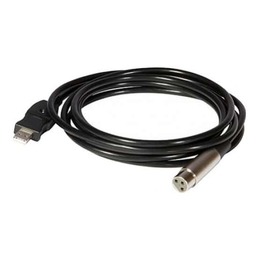
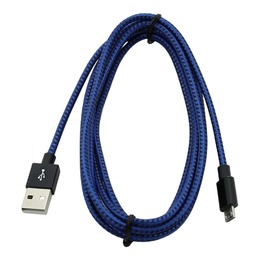
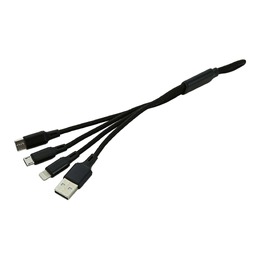
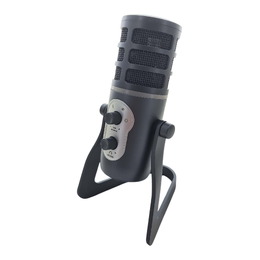
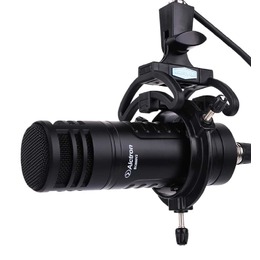
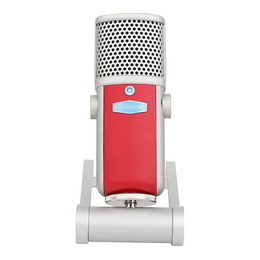
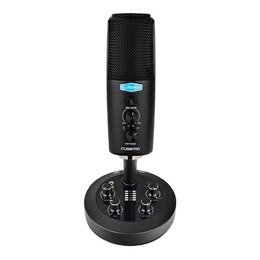
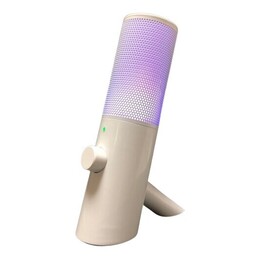
Connect your hub and devices with the right USB cables, including USB Type C cables for newer laptops. If you are building a recording setup, see our USB audio interfaces and USB microphones, which generally perform best plugged directly into the computer, with the hub handling everything else.
USB Hub FAQs
Is a USB splitter the same as a USB hub?
Yes. USB splitter is the everyday name for the same device. A hub shares one upstream USB port among several downstream devices, with the computer seeing each device individually.
Can I use USB 2.0 and USB 3.0 devices on the same hub?
Yes. USB 2.0 and 3.0 use the same size plug and are backwards compatible, so both work on the same hub. Each device simply runs at the fastest speed both it and the hub support.
Can I plug an audio interface into a USB hub?
It is best to plug an audio interface directly into the computer, since interfaces are sensitive to bandwidth and power. Use the hub for less demanding devices like MIDI controllers, dongles and drives, keeping a direct port free for the interface.